ryad: a small editor that keeps your drafts
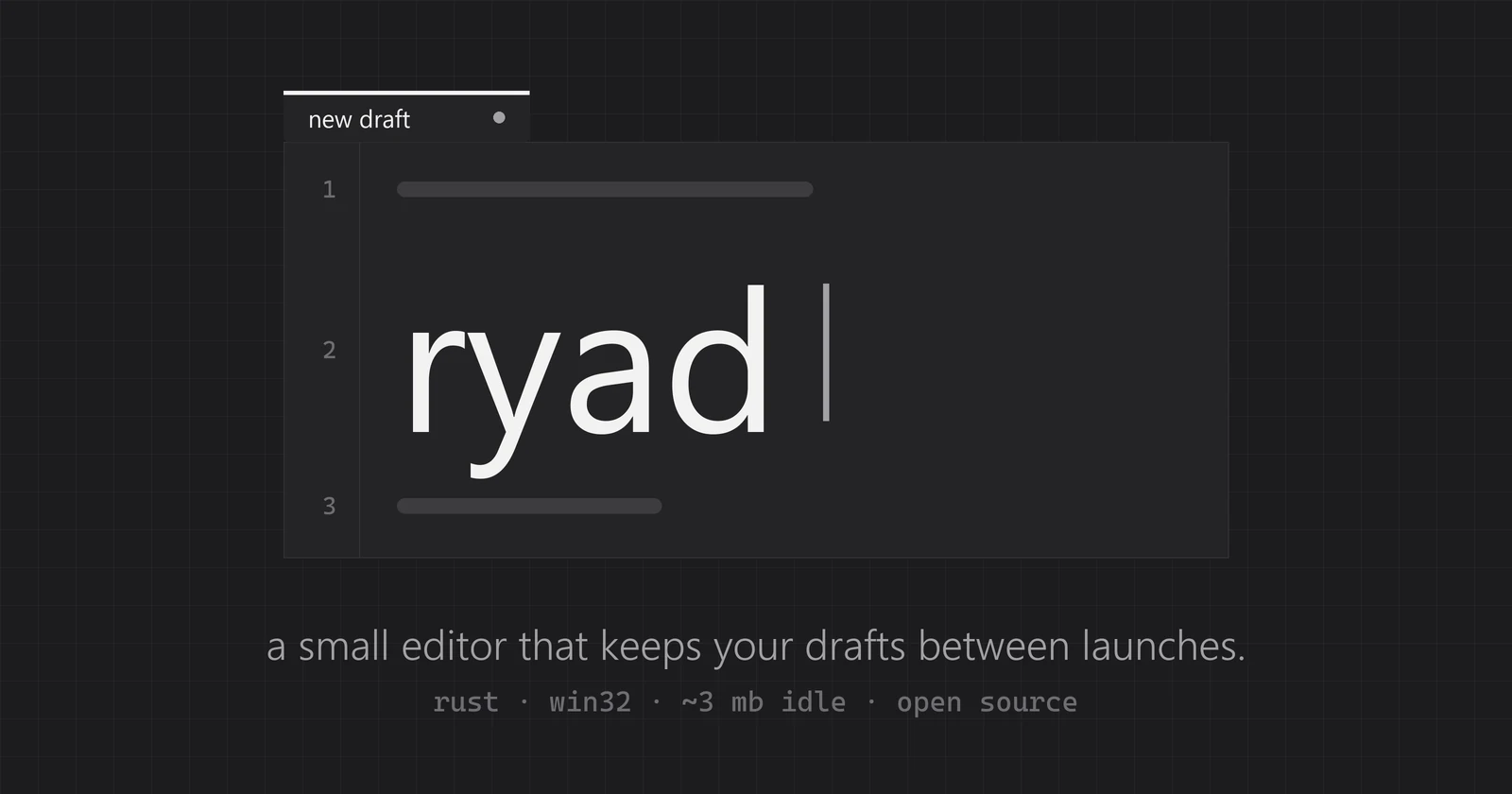
Notepad++ has been my scratchpad for years. I press ctrl+n, dump a thought, a link, a piece of a log, close everything, and the next day it is all still there. Windows' own Notepad learned to do something similar, but I wanted it small, fast and mine.
So here is ryad ("row" in Ukrainian), the second lezneve utility after kadr. A small Windows editor that keeps your drafts between launches.
what it does
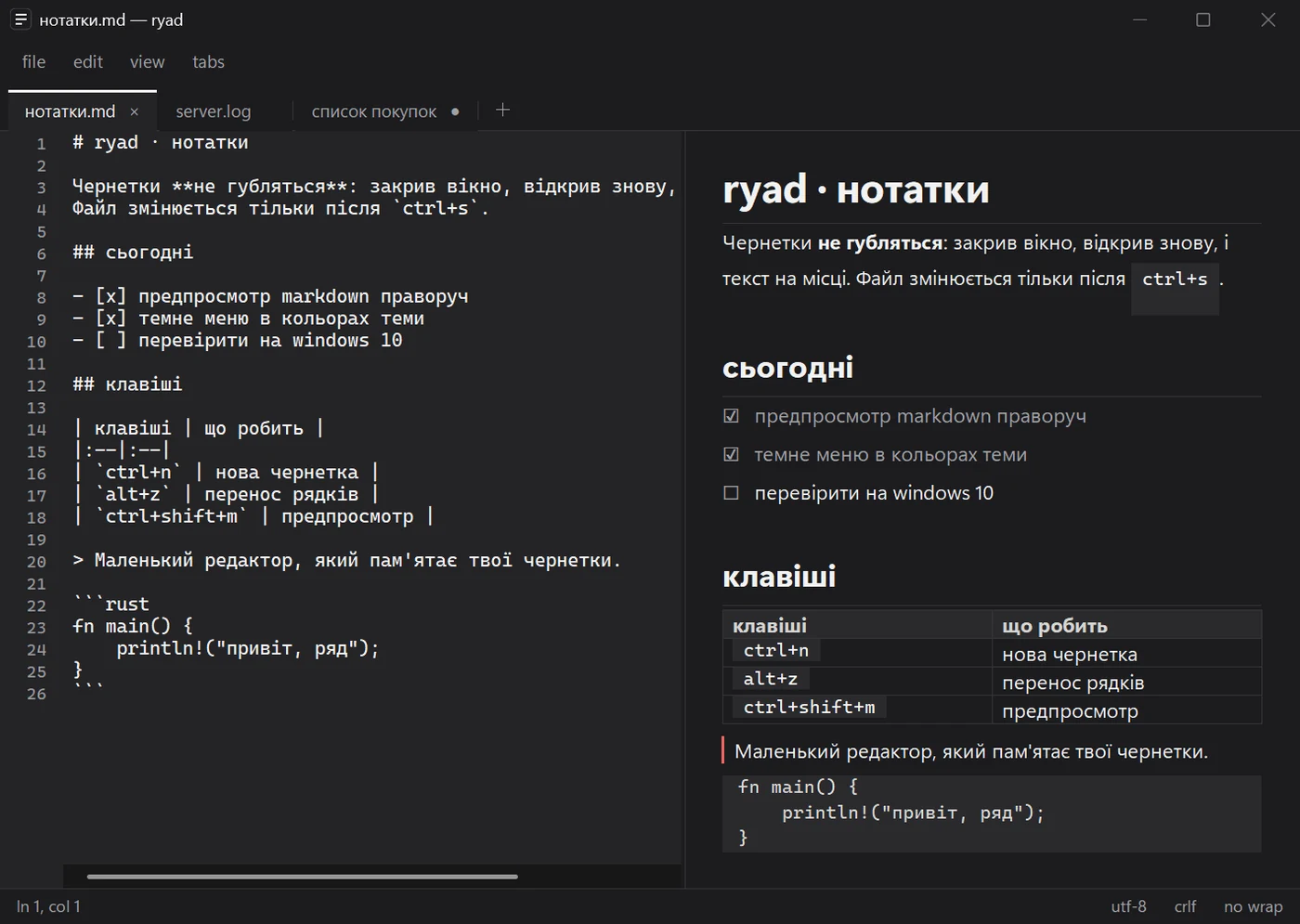
- Drafts without files. A new tab needs no name and no save. What you type is kept in ryad's own folder within a second of pausing and comes back after you close the window. Even if the process is killed, the last kept copy comes back.
- Your files change only when you say so. Edits to an open file come back as a local copy; the file on disk stays as it was until ctrl+s. If another program changed it meanwhile, ryad asks before overwriting: save a copy, reload, or overwrite.
- Plain text, kept as it was. UTF-8 with or without BOM, UTF-16, Windows-1251 on request; CRLF, LF or CR are written back the way they came.
- Tabs with their own undo, find and replace ("replace all" is one ctrl+z), go to line, alt+z for wrapping long log lines.
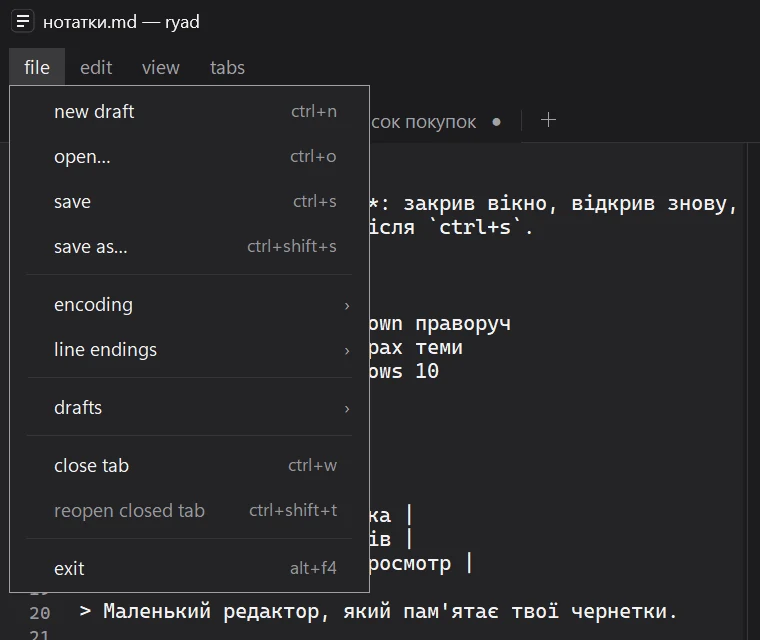
- Markdown preview at the right of .md files: headings, task lists, quotes, code, tables. It follows your light or dark theme, and links and quote bars take the Windows accent colour.
dark all the way
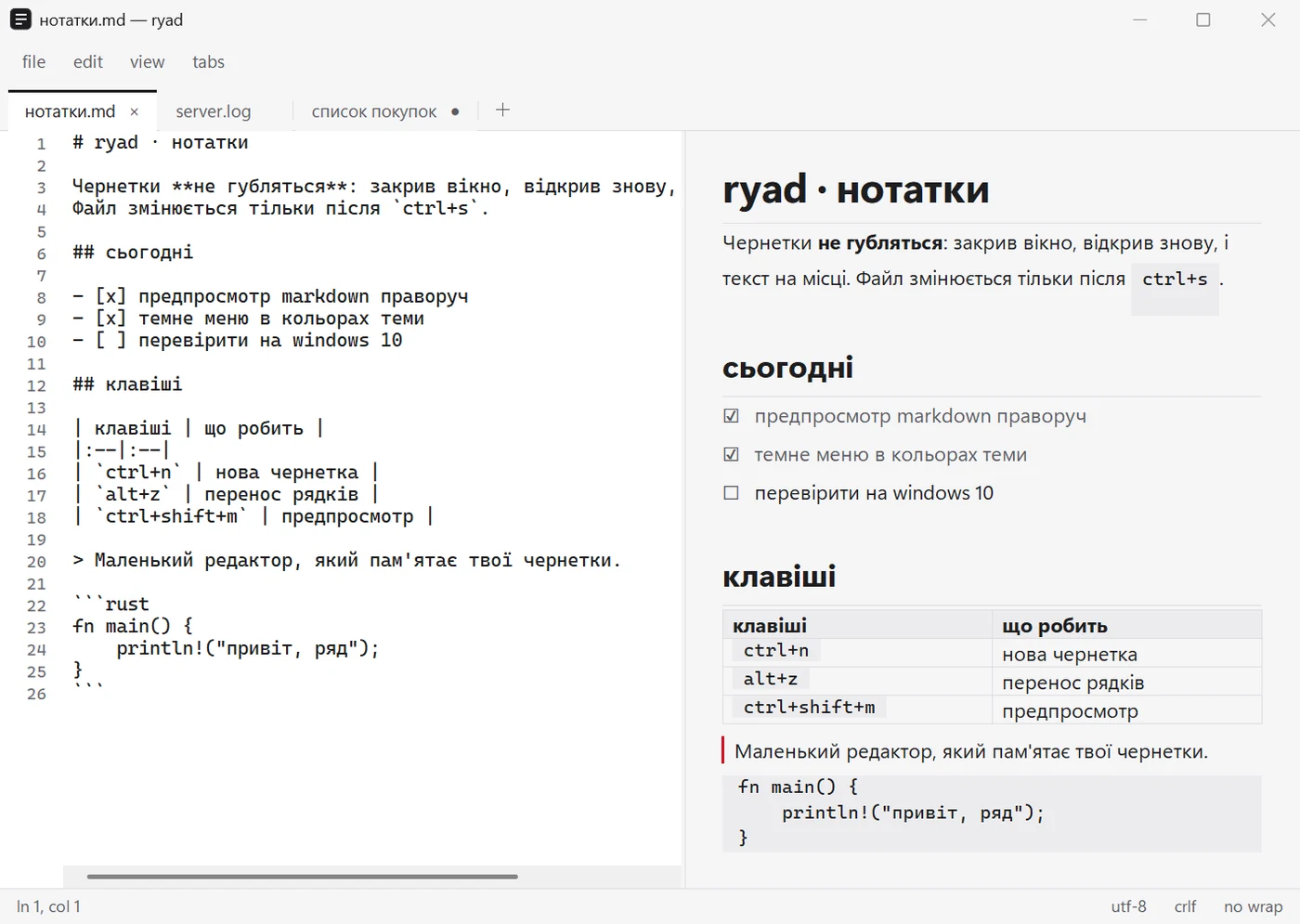
The standard Windows menu bar stays light in dark mode, and there is no documented way around it. So the menu bar in ryad is its own, and every menu is drawn in the window's colours. The keyboard still works the usual way: alt, F10, alt+F.
why it is so light
Like kadr, ryad is Rust and plain Win32: no Electron, no webview. The text field is the Windows rich edit control, the same one Windows itself uses, so typing, IME, the clipboard and undo behave like everywhere else in the system. On my laptop:
- start to ready to type: ~80 ms;
- idle: ~3 MB of memory and 0 % CPU;
- a 10 MB log opens in under a second, 50 MB in ~4 s;
- the whole app is one 0.6 MB exe, which is also the installer.
Finding out why one long line took 5 seconds to load was fun: it was not the length, it was Windows switching fonts between Latin and Cyrillic letters. Turning that off for big files made it 40 times faster.
the installer
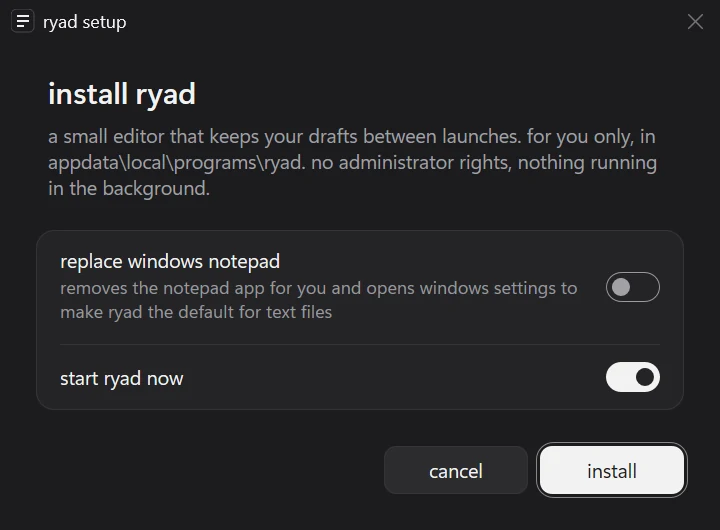
The same look as kadr's installer: for your account only, no admin rights. There is an optional switch to replace Windows Notepad: ryad removes the Notepad app for you and opens the settings page where one click makes ryad the default for text files (Windows does not let apps set themselves as the default, that click is yours). Uninstalling ryad offers Notepad back and keeps your drafts.
vibe-coded, again
As with kadr, most of the code was written by an AI (Claude): I wrote the brief, tested builds and said what was wrong. It also tested itself a lot: 78 scripted scenarios run against the real exe, from "killed in the middle of saving the session" to "a file changed by another program". Everything is open, MIT.
not perfect yet
- Not code-signed yet: SmartScreen warns on first start, "More info" → "Run anyway". Every file has a SHA-256 next to it.
- Unsaved text lives in %LOCALAPPDATA%\ryad, also after uninstalling, so a reinstall finds it again.
- Not checked on Windows 10, other scaling than 150 %, or with screen readers beyond the text field.
get it
- download ryad 0.1.0: an installer without admin rights, or a portable exe
- the code on GitHub
If something breaks or you miss something from Notepad++, tell me.